What’s new: Flex Databases Release 12

May 27, 2021 - 3 min read
We constantly update and develop our system to meet clients’ expectations and provide the most advanced and user-friendly system for their needs. Here’s what’s new in Flex Databases Application Release 12.
Common functionality
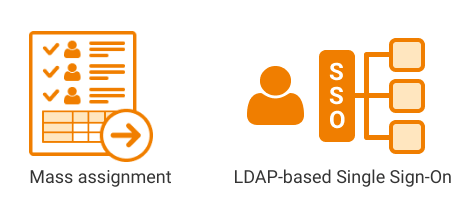
Mass assignment for Project catalogue: Assigning process becomes faster – just select employees and add them to projects and sites in bulk, no need to do it one by one
LDAP-based Single Sign-On: authentication process to access Flex Databases platform using a username and a password provided by their corporate LDAP directory service, no extra passwords for Flex Databases. Available for customers with an on-premises setup
SAML-based Single Sign-On for Cloud Customers coming soon
Project Catalogue
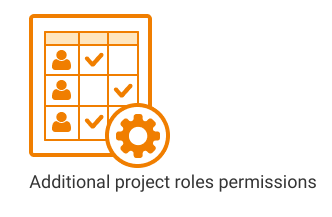
Grant access and/or manage permissions for any project role for Clinical Projects
Configure module sections: include sections to the menu, configure sections tabs and fields. End-user can configure their own Project Catalogue based on their needs
Larning Management System
SCORM: Interactive training and QMS documents can be created using the SCORM format
Pharmacovigilance
New workflow: user-friendly, fast, and straightforward, with updated user roles permissions
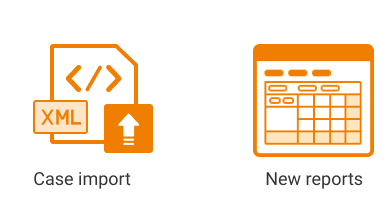
Case import: manually upload XML batches in E2B R3 format to create cases or automatically upload via the gateway
Country submissions report: track cases submissions across multiple countries and agencies
New report constructor: create line listing easily
Tabulations for DSUR and PBRER reports
eTMF
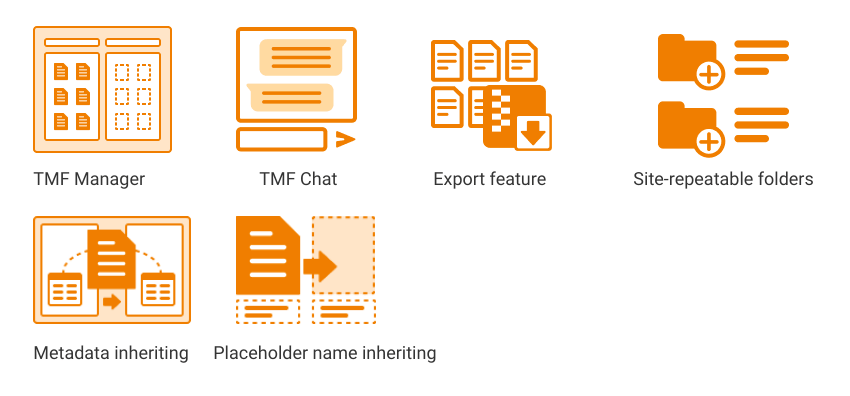
TMF Manager: split view for quick document sorting and Just drag and drop files and folders from one panel to another
TMF Chat: discuss documents and folders with your teammates
Emailing out-of-the System: Share documents with sites and colleagues
Export feature: export the documents in the separate module sections, such as:
– My Favorites
– TMF Activities
– TMF Master Copies
– My Views
A space to record Reason for items deletion
Direct work with MS Word and Excel documents: just double-click the document to open it in MS Word or Excel and seamlessly save it back to eTMF
DIA 3.2 Reference Model Support
Auto clone placeholder on drag and drop upload: upload batch of placeholders in one click
Cross-Projects Dashboards
New reports: Processing Time Report and Missing Documents report
Project Management & Budgeting
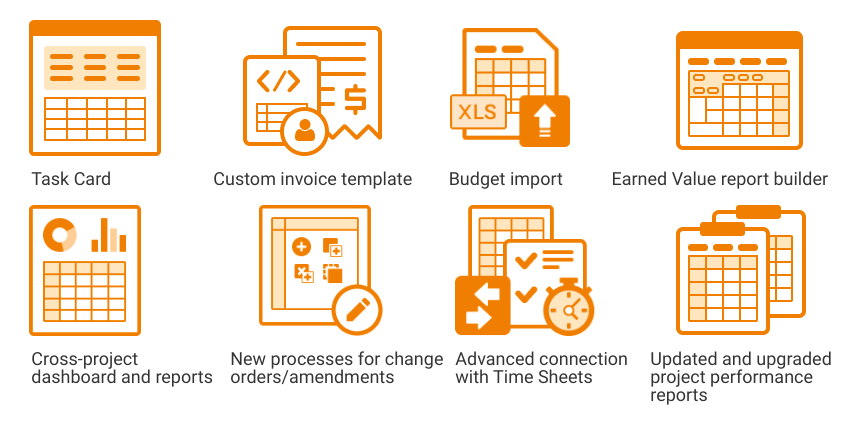
Cross-project dashboard and reports: quickly analyze any project data you want
New processes for change orders/amendments: make any changes to the actual budget with the updated rules and monitor Final project budget
Task Card: all task information in one place
Advanced connection between PM & Budgeting and Time Sheets:
– Check the hours budgeted for the task during the Time Sheets completion process
– Time Sheet Approver: delegate Time Sheets approval to any user in the system by assigning the additional role in one click
– Review, approve/decline entries, and complete units directly from PM & Budgeting module, no need to go to another module anymore
– Ability to switch off unit name entering within the TS submitting process
Updated and upgraded project performance reports
Custom invoice template
Budget import from MS Excel file
Earned Value report new user interface
API
Extract any data point from CTMS/PhV and transfer it to any other system
Load subjects visit data into Subject Tracking & Invoicing module programmatically
CRA Activity Management
Optional Sponsor Approval step for Site Visit Activities – switch on/off sponsor review step in site visit report workflow
Global CRA Activity Management Administrator
Online editor and ability to add an electronic signature for Confirmation and Follow-up Letters
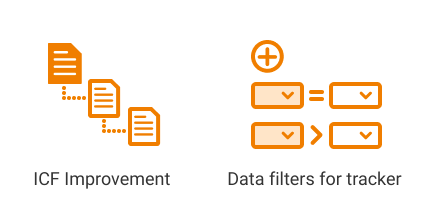
Data filters for trackers: configure filters for data in trackers grids (for all levels of tracker location) and tracker data displayed in printed documents
ICF improvements: level-based system for ICF versions creation, from project to site-specific
Subject Tracking & Invoicing
Subject Statuses – more flexible status triggering: now a subject status can be assigned to a subject upon completing a corresponding visit
Import Tool: CSV format is available for uploading subjects visits data
Import Tool: possibility to upload repeatable or unscheduled subject visits
Sounds like something you’d like to try? Request a demo via the button on top of the page or send us an e-mail to bd@flexdatabases.com to learn more!
More From the Blog

September 29, 2026
EDC Data Solution Specialist (Data Manager)
Learn more→

September 24, 2026
How ITS Achieved 98% TMF Completeness and Cut Audit Prep Time in Half
Learn more→

September 14, 2026
Flex Databases Product Updates: EDC, IWRS & eCRF Builder Updates That Remove Manual Work From Study Teams
Learn more→
Talk to us. See it yourself
Skip the generic demo. A specialist who works with this platform every day will walk you through it live, answer the hard questions directly, and show you exactly how it would run in your organization — not a script, not a slide deck.