Enhancing TMF Efficiency with the New Duplicates Search Feature

February 4, 2025 - 2 min read
At Flex Databases, we continuously improve our Trial Master File system to enhance compliance, efficiency, and user experience. Our latest update introduces an advanced Duplicates Search Feature, streamlining document management and ensuring data integrity.
Introducing the Duplicates Search Feature
The Duplicates Search Feature helps users identify and manage duplicate files within the TMF. It prevents redundant uploads and minimizes manual effort in handling duplicate documents.
How It Works
When a user uploads files to the TMF or moves files from the Inbox to any other project folder, the system automatically searches for duplicates using a checksum verification method at the project level. If an exact duplicate (100% match) is detected, the system interrupts the upload and notifies the user, who can either proceed with the upload or cancel it (with a “skip” option for batch uploads).
This functionality applies across TMF sections, including:
TMF Data
TMF Manager
My Favorites
My Views
Enhanced Duplicates Detection for Email Attachments
The feature now extends to files received by email. When a user moves files from the Inbox to any other folder within TMF Data, the system checks for duplicates. If identical files exist, the system interrupts the operation and alerts the user, ensuring a clean, organized, and regulation-compliant TMF.
Similar Documents Search
Background Near-Duplicates Search: Identifies files with similar content, even if they are not exact matches.
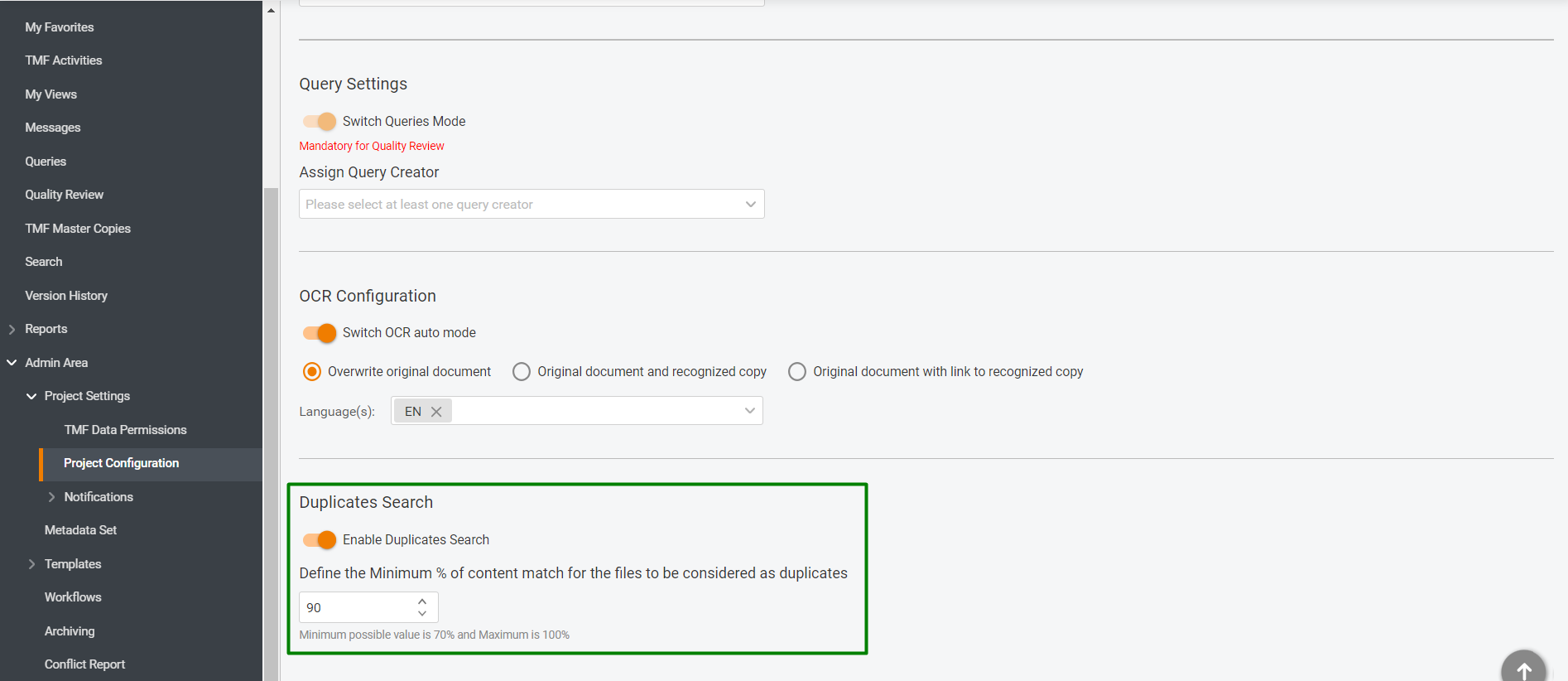
Configurable Similarity Threshold: Admin users can define the minimum similarity percentage (default: 90%, minimum: 70%) or disable the feature.
New Duplicate Files Interface: Users can check, compare, and manage potential duplicates in a dedicated interface.
Duplicate Files Log: Tracks all actions related to duplicate file management for audit purposes.
General Workflow
After a file is uploaded, the system conducts a background search for duplicates within the project’s eTMF. If a similar file is found, it appears in the new Duplicate Files section in the TMF Project Menu. Admin users can adjust the similarity threshold or enable OCR auto mode for improved detection.
Exporting Duplicate Data
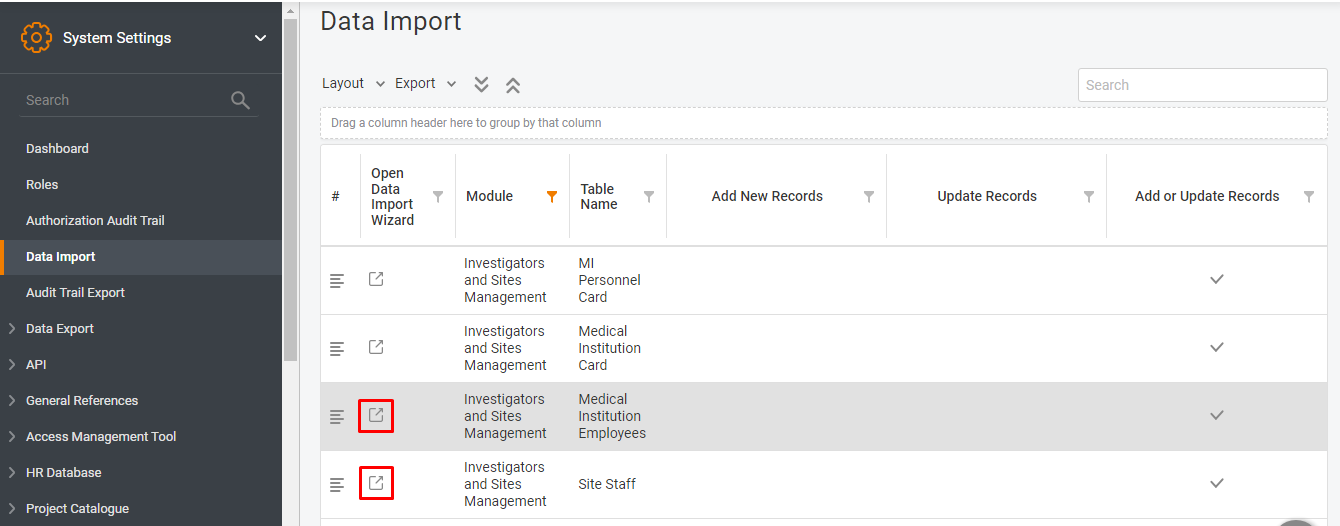
Users can export the duplicate files list, including:
File name
Source file name
Duplicate file names
Location path
Upload date
Match percentage
Duplicate Files Log
Located in: TMF → (Open Project) → Admin Area → Logs → Duplicate Files Log
The log tracks:
Uploading a duplicate after a 100% match warning
Deleting a duplicate via the interface
Retaining a duplicate via the interface
Sorting, filtering, and export options improve tracking and audit readiness.
Conclusion
With these updates, Flex Databases’ TMF system offers a more efficient, automated approach to duplicate file management. These enhancements reduce workload, improve data integrity, and streamline compliance efforts. Visit the Duplicate Files section in your TMF settings for more details.
More From the Blog

September 29, 2026
EDC Data Solution Specialist (Data Manager)
Learn more→

September 24, 2026
How ITS Achieved 98% TMF Completeness and Cut Audit Prep Time in Half
Learn more→

September 14, 2026
Flex Databases Product Updates: EDC, IWRS & eCRF Builder Updates That Remove Manual Work From Study Teams
Learn more→
Talk to us. See it yourself
Skip the generic demo. A specialist who works with this platform every day will walk you through it live, answer the hard questions directly, and show you exactly how it would run in your organization — not a script, not a slide deck.